Choose Install Method
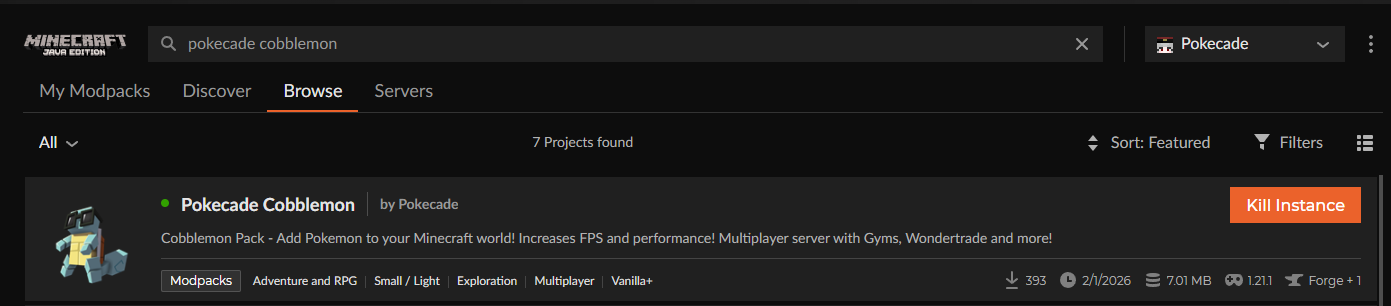
Pick CurseForge, Modrinth, or ZIP setup below, then install Pokecade Cobblemon.
Pokecade Cobblemon
Follow the quick setup below to install the official Pokecade pack and connect. If you already have the pack installed, jump straight in using our IP.
Server IP
play.pokecade.org
Complete these steps once, then connect any time.
Pick CurseForge, Modrinth, or ZIP setup below, then install Pokecade Cobblemon.
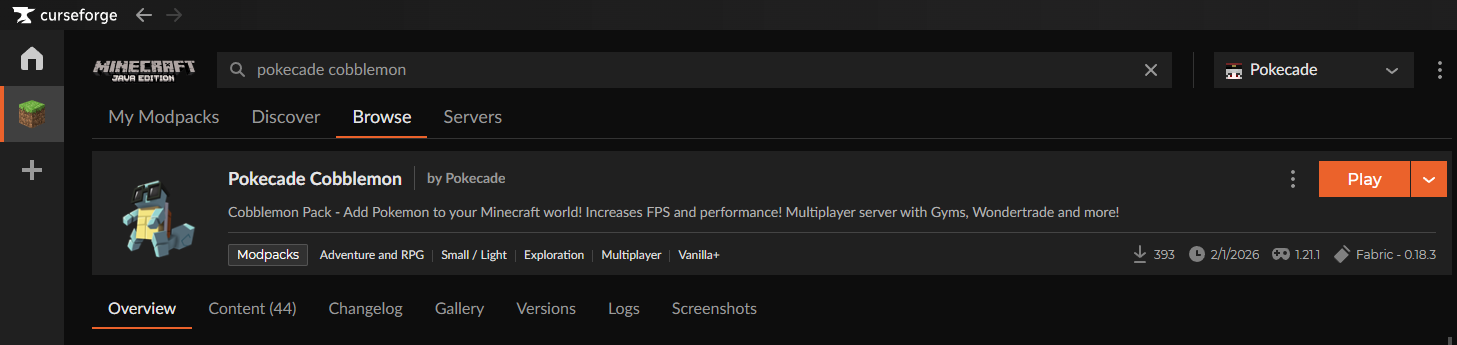
Start the modpack profile from your launcher and wait for the game to finish loading mods.
In Multiplayer, add play.pokecade.org and join the server.
Ask each player this first: CurseForge, Modrinth, or ZIP? Then follow the matching guide.
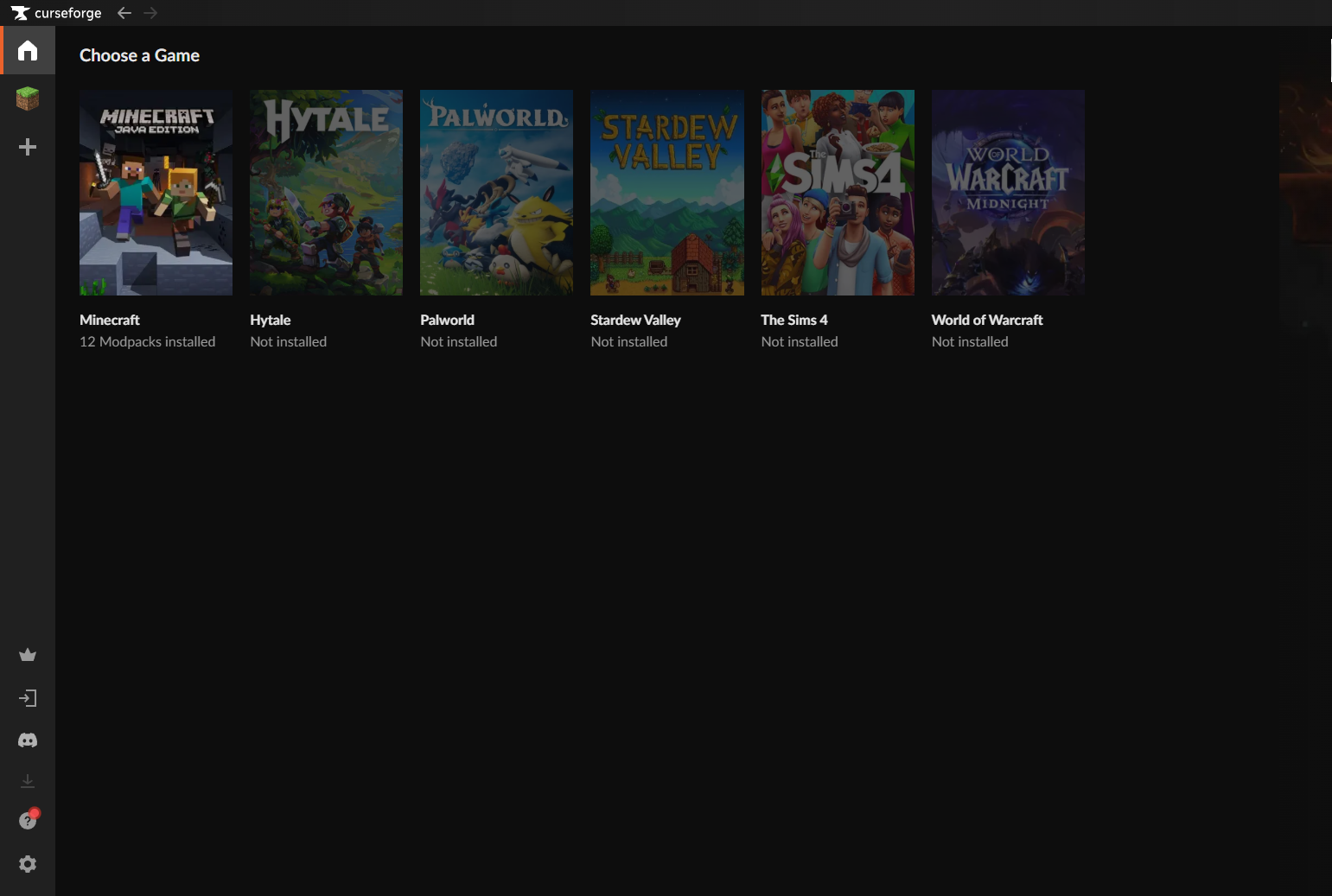
No CurseForge installed? Download the CurseForge app.
Swap these placeholders with your real screenshots when ready.
If a player is having trouble, send them this page and make sure they installed the exact Pokecade Cobblemon pack version.
Join discord.gg/pokecade